
lean-back YouTube · no account
channel-surf youtube like it's tv.
Pick a station, hit play, and let random clips run nonstop. No account, no runtime API key, and no platform recommendation feed deciding what's next.
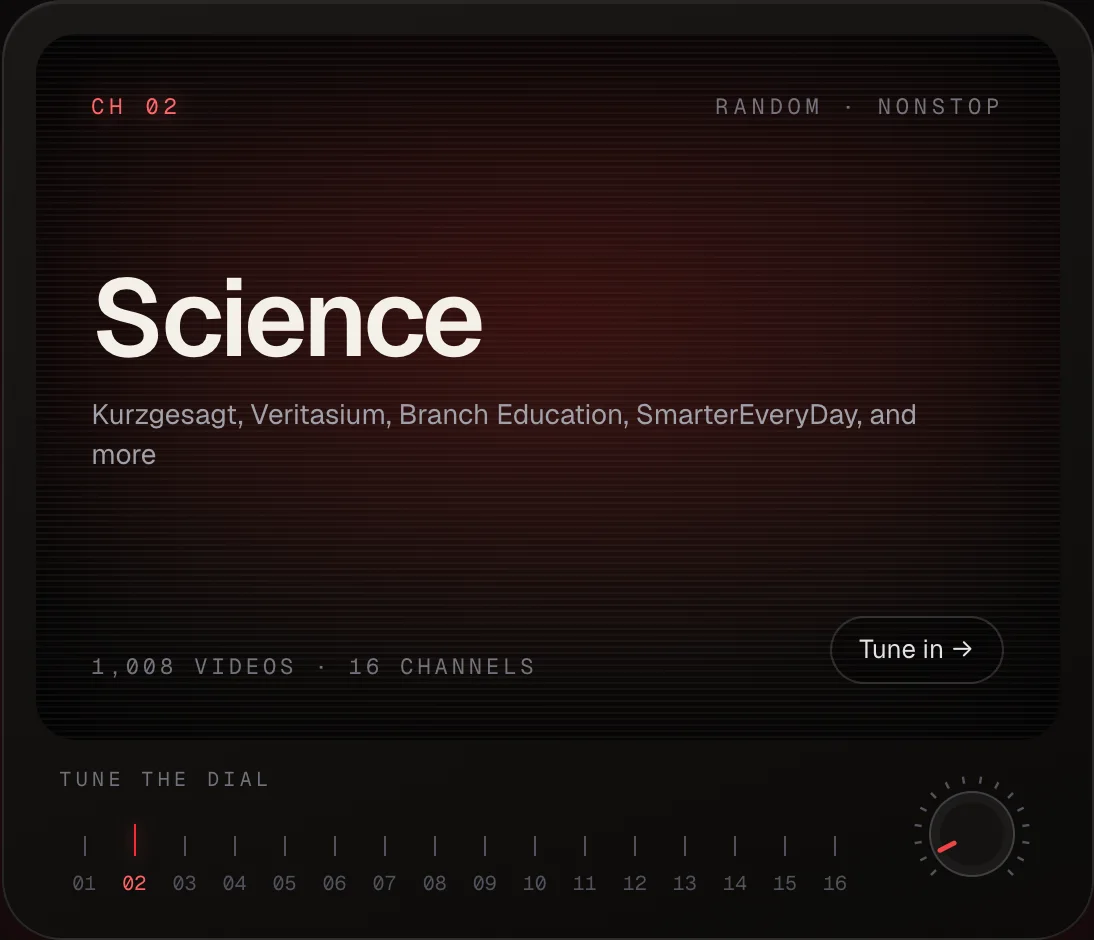
Illustrative set, not a screenshot. Every number on the dial is a real station in today's catalog.
why LoopTV
you pick the station.
looptv picks the clip.
- stations, not a feed
- 16 topic stations group 122 public YouTube channels — science, comedy, tech, talks, film, and more. Pick one and it plays.
- random, nonstop playback
- No platform recommendation feed. Normal playback shuffles within your chosen station; optional Smart Mix uses only preference weights stored in this browser.
- yours, on your device
- Watched history, blocked sources, and Smart Mix preferences live in your browser. No account to create, nothing leaves your device.
a few honest answers.
Do I need a YouTube or Google account?
No. Playback runs through the public YouTube IFrame player. There's no sign-in anywhere in LoopTV.
Where does the catalog come from?
A twice-monthly GitHub workflow refreshes public channel metadata through a cache-first YouTube Data API path, with yt-dlp as a fallback. It commits a checked-in catalog.json, so watching needs no runtime API key; refresh credentials stay in repository Actions.
What happens when a video can't be embedded?
YouTube returns error 101 or 150 when a channel blocks embedding for a specific clip. The player catches it and immediately picks the next random video — no error toast, no interruption.
Where is my watch history stored?
Entirely in your browser's localStorage. Clearing site data wipes it. There is no server-side account or database.
Can I add my own channels?
Yes — LoopTV is MIT-licensed. Fork the repo, append a station to stations.json, run pnpm run build:catalog (requires yt-dlp), and deploy.